Scanner
Three ways to check a food
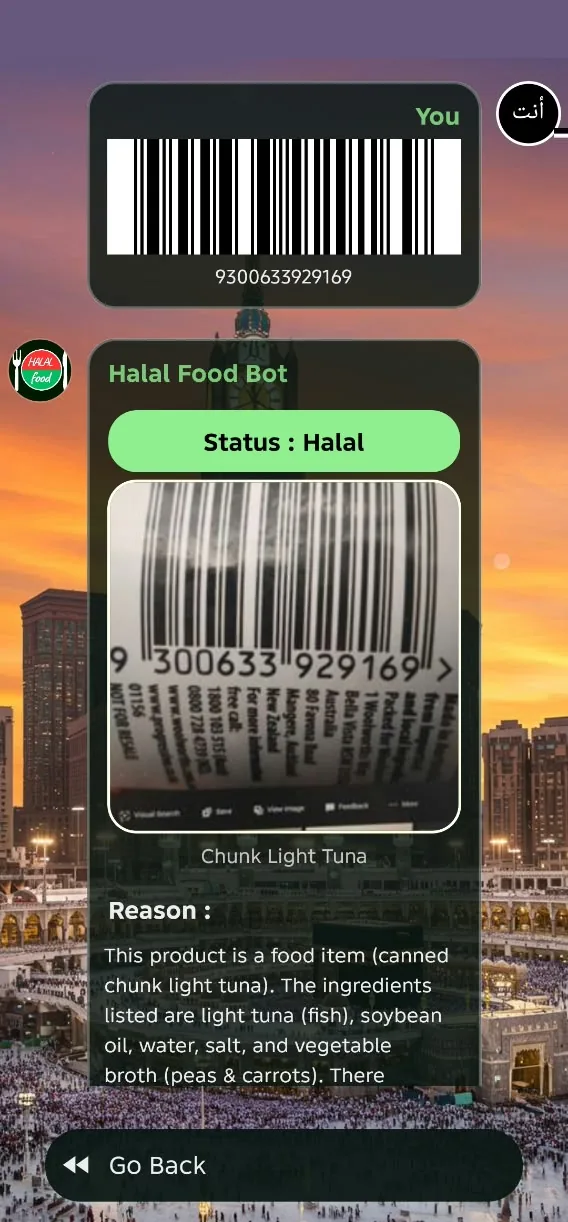
From photo: point the camera at the barcode or the ingredients. From gallery: use a picture you already took. From description: type something like “Is sushi halal?”. Every answer comes with its reason.
Photograph a barcode or an ingredient list, or simply type a question. Halal Food Bot answers Halal, Haram or Doubtful and explains why. The Quran and a halal recipe community live in the same app.


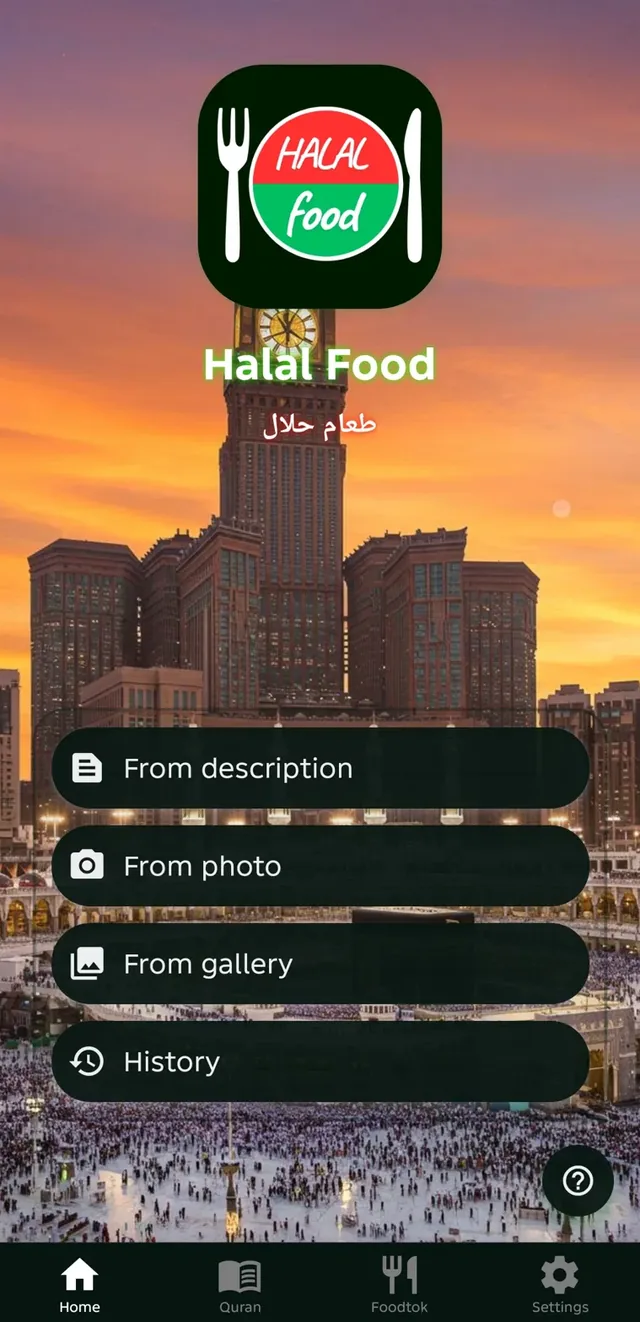
Scanner
From photo: point the camera at the barcode or the ingredients. From gallery: use a picture you already took. From description: type something like “Is sushi halal?”. Every answer comes with its reason.
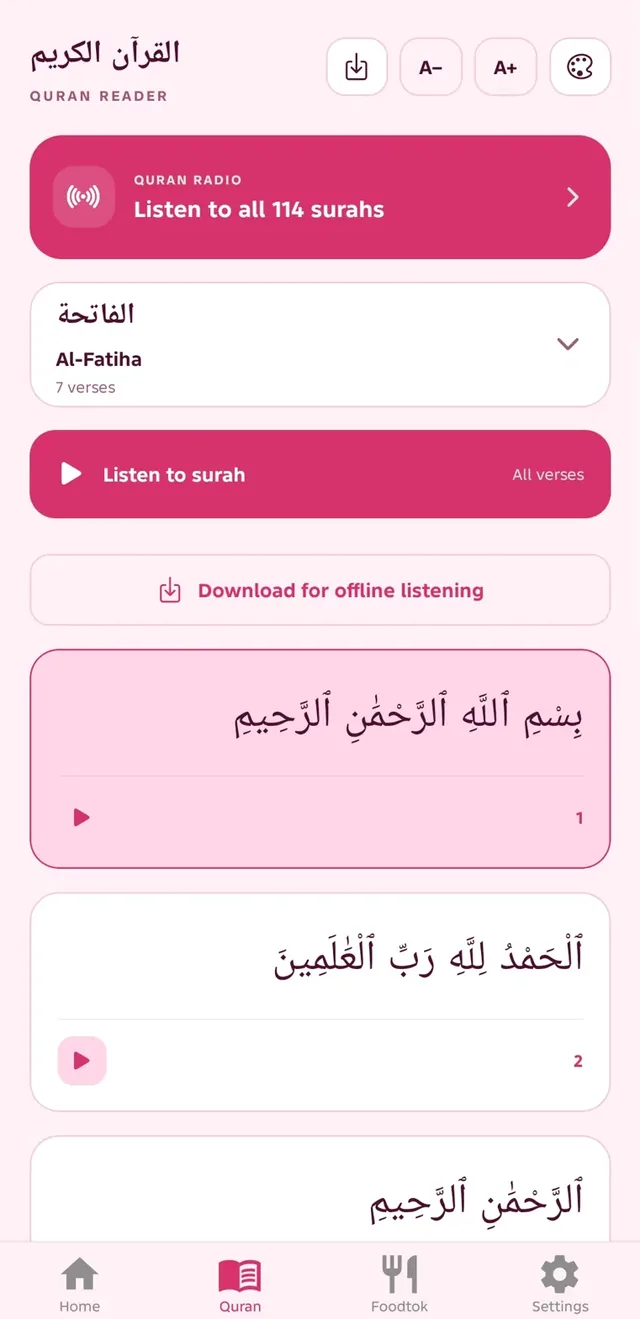
Quran
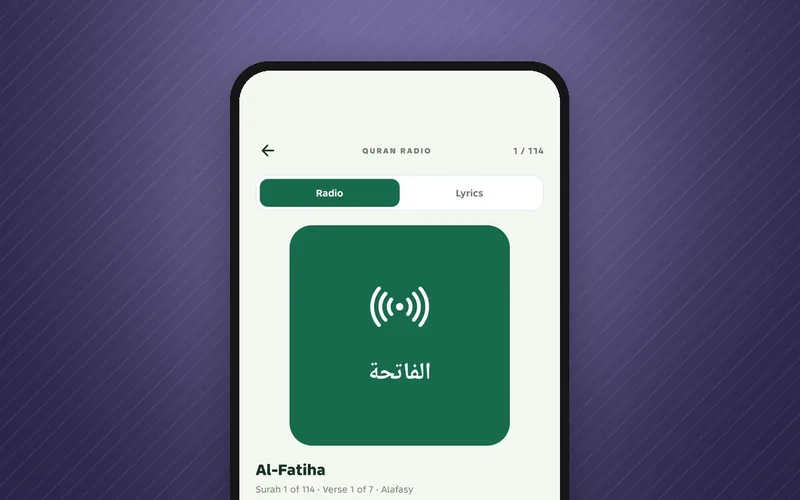
All 114 surahs in Arabic, with adjustable text size. Play one verse or the whole surah, and download surahs to listen offline.
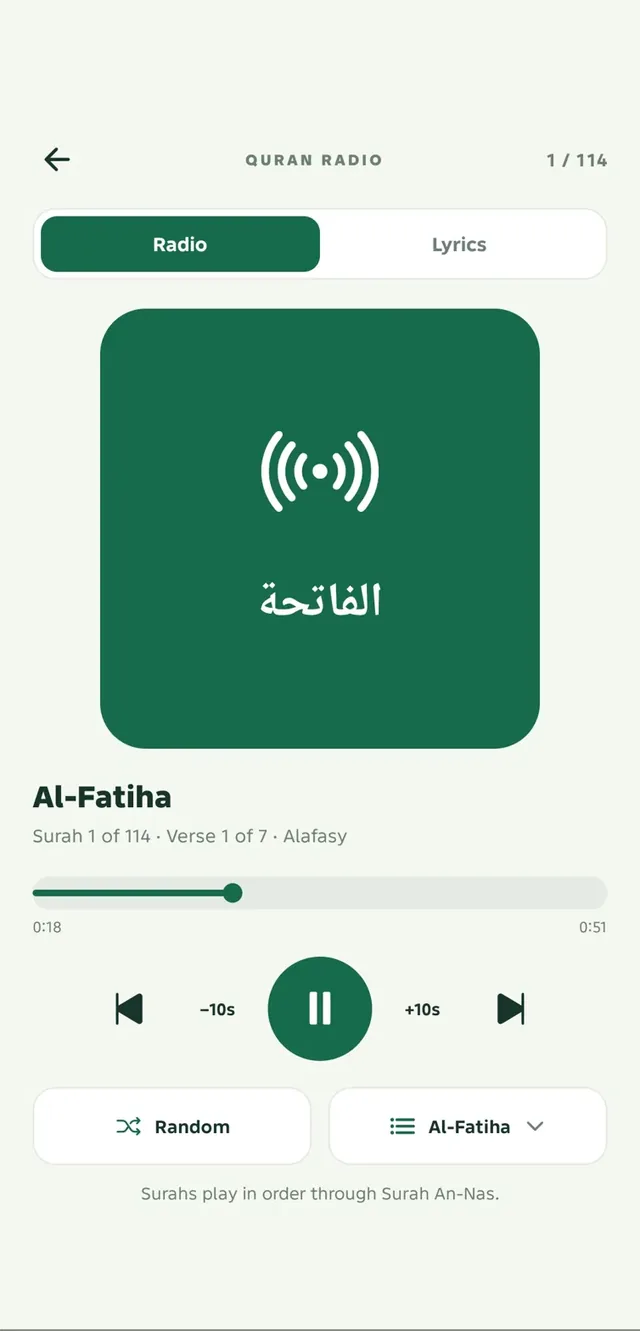
Quran Radio
Recited by Alafasy, from Al-Fatiha through An-Nas, with 10-second skips and a random surah button. A daily surah reminder arrives at the time you choose.
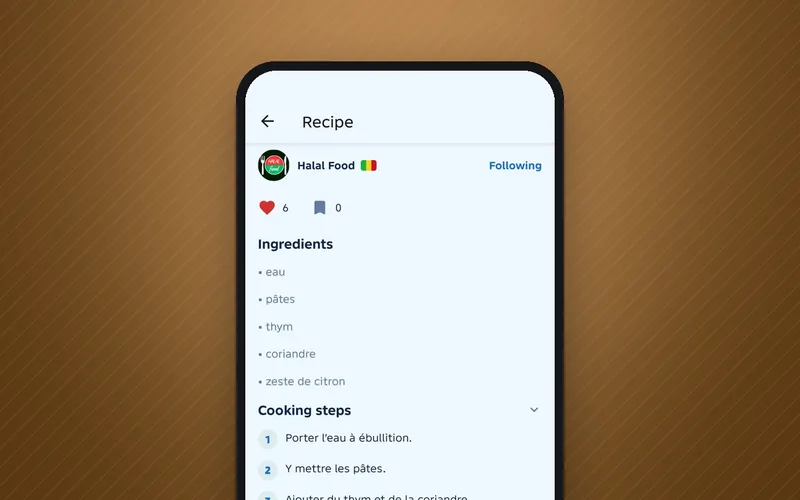
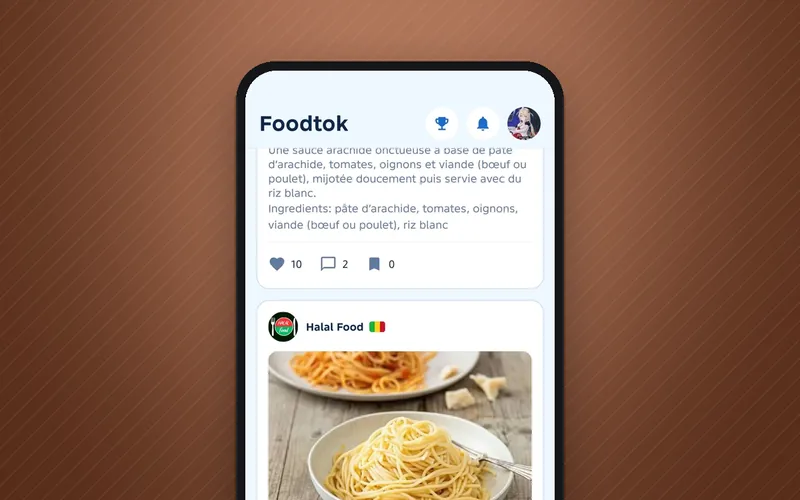
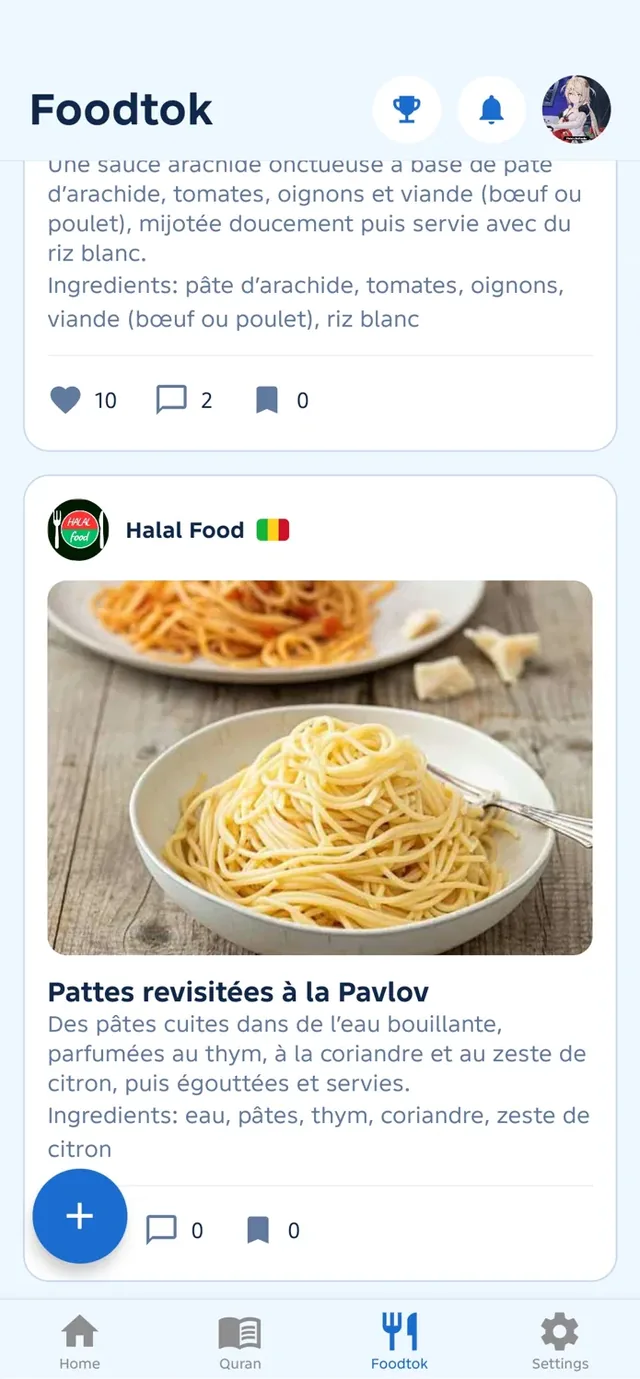
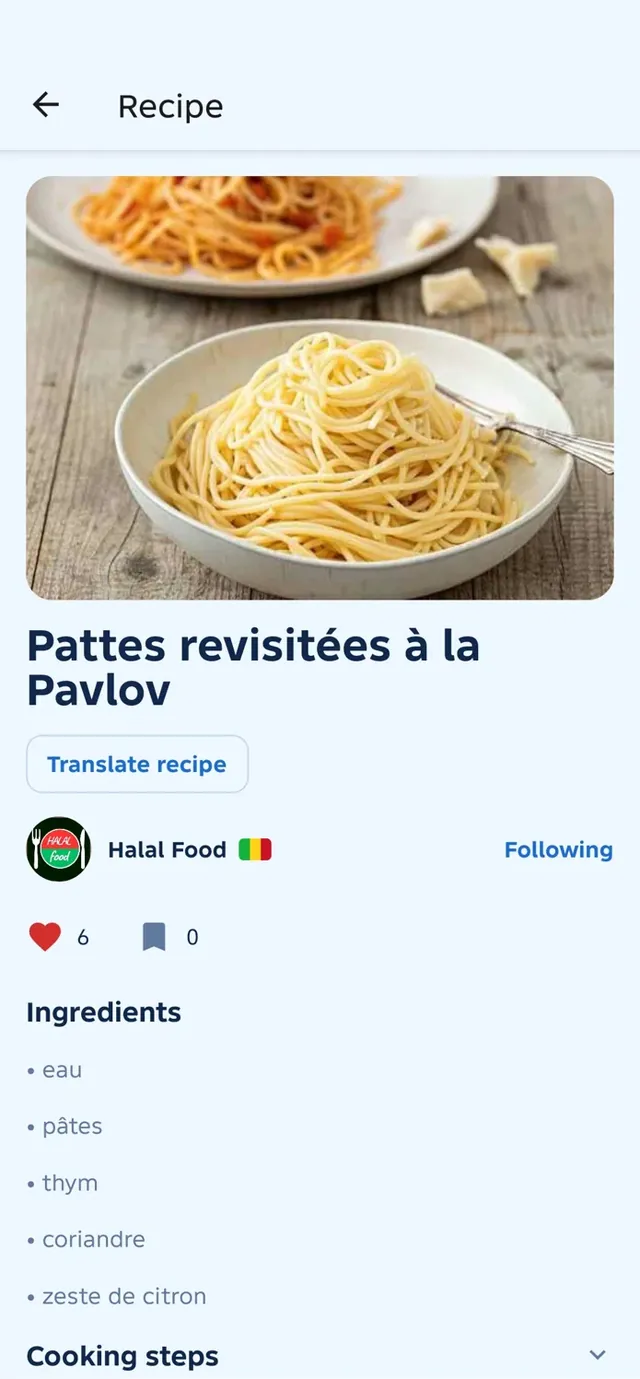
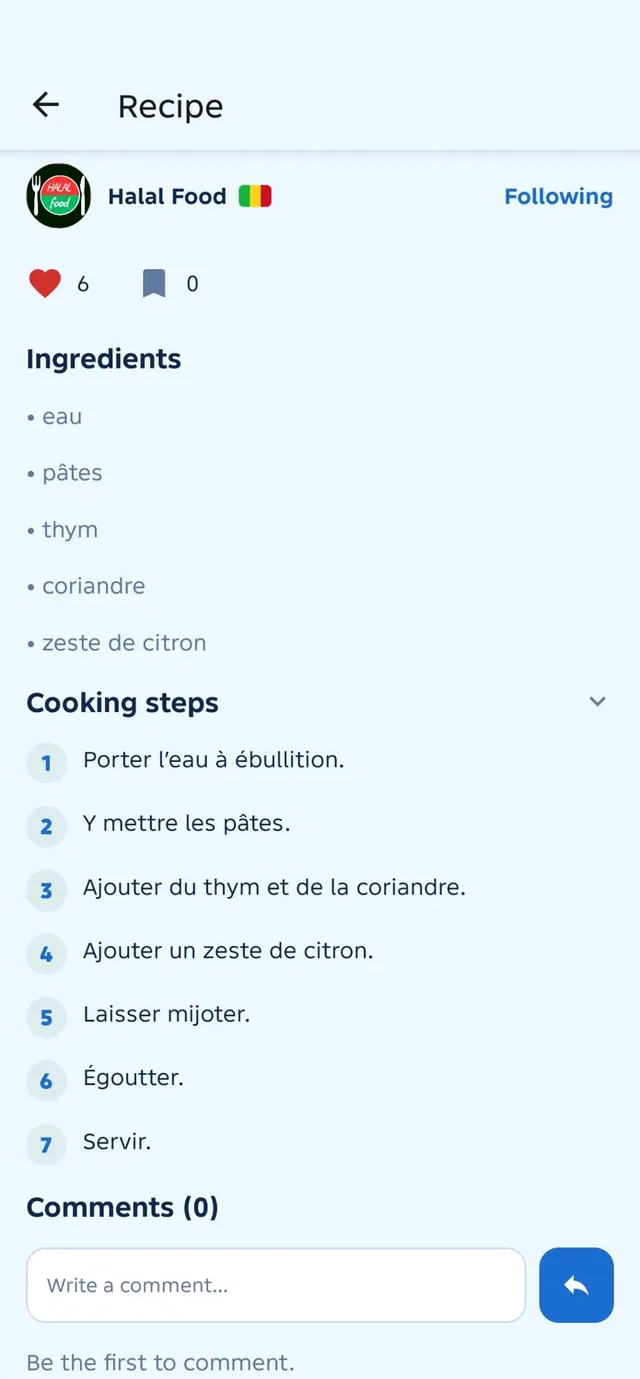
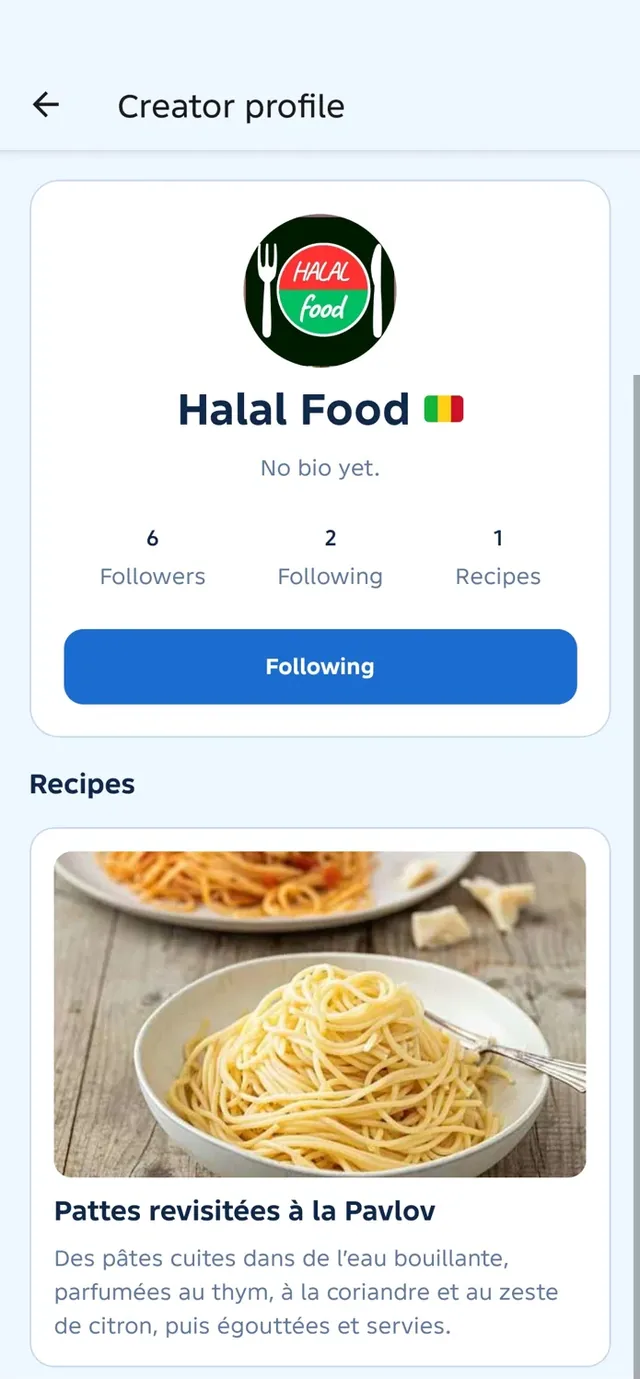
Foodtok
Write your cooking steps and the AI detects the ingredients. Follow creators, like and comment, translate any recipe into your language, and follow the country leaderboard.
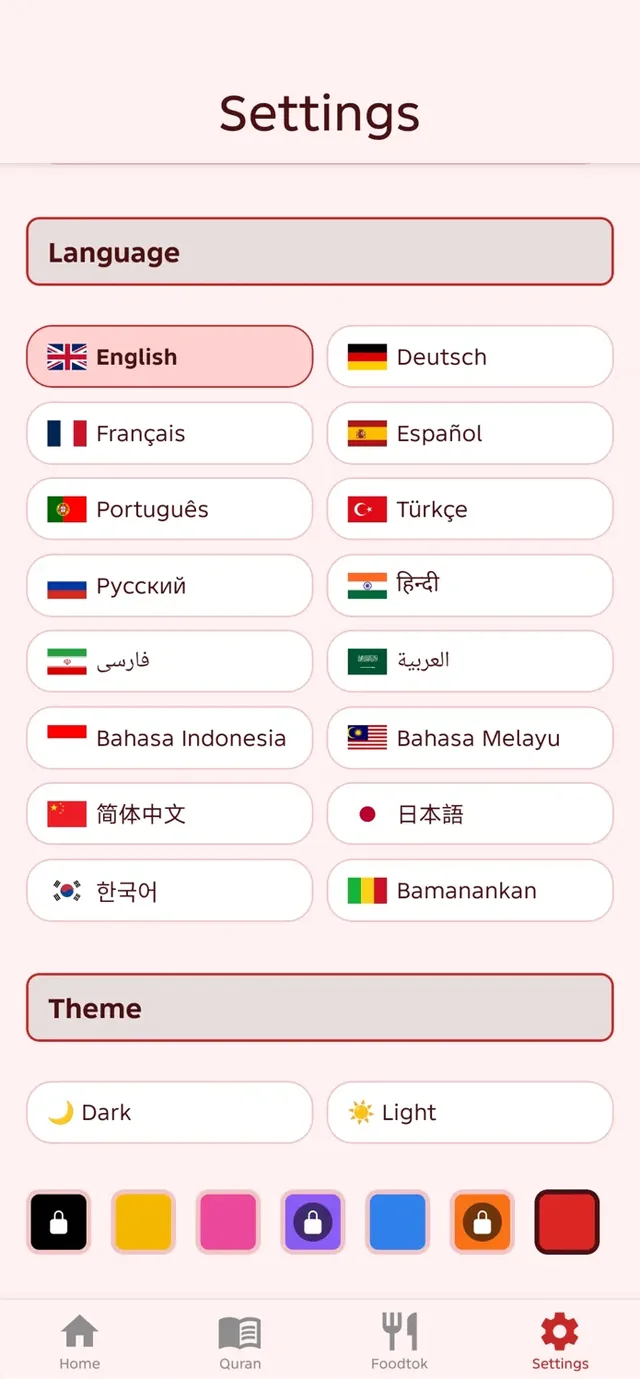
Settings
The app speaks 16 languages, from Arabic and Bambara to Japanese and Turkish. Pick light or dark, or one of seven colour themes.
Yes, on iPhone, iPad and Android. The app shows ads to help cover its AI and server costs; watching a short video removes them for two hours.
The AI reads the ingredients and gives a status with its reason. Photo quality and lighting affect recognition, so double-check when unsure. The app helps you decide but does not replace a qualified Islamic scholar. Tip: if the product has a barcode, scan it rather than the ingredient list – the result is more reliable.
Yes. Download one surah or all 114 and listen without a connection.
Only for Foodtok: an account lets you share recipes, comment and follow creators.
16 languages: English, Français, العربية, Español, Deutsch, Português, Türkçe, Русский, فارسی, हिन्दी, Bahasa Indonesia, Bahasa Melayu, 简体中文, 日本語, 한국어, Bamanankan (Bambara). You can switch at any time in Settings.

Free on iPhone, iPad and Android.